Quick Tip: Working With Shaders On iOS

Quick Tip: Working With Shaders On iOS

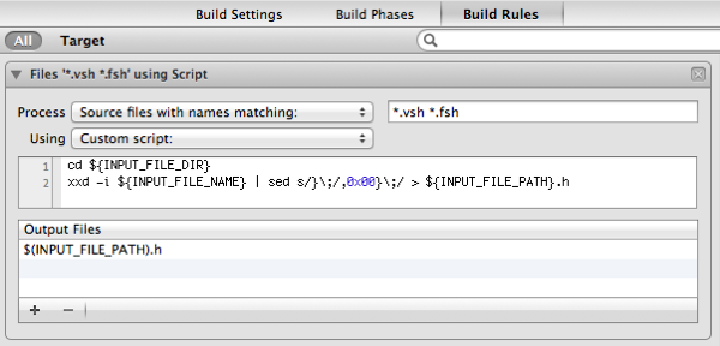
I’m taking a couple of days to upgrade some of my libraries for doing prototyping both in 2D and 3D. One of the many overdue things I wanted to do, was to finally ditch OpenGL ES 1.1 and move to 2.0 exclusively. Yes, even if you’re only doing a 2D game, OpenGL ES 2.0 is way worth it. There were even a couple of cases during Casey’s Contraptions that we wanted a particular effect, and couldn’t get it quite right, but it would have been trivial to whip up a shader if we had been using OpenGL ES 2.0. In the end, we had to resort to texture combiners (yuck), and it wasn’t exactly what we had in mind. ...
Trying Out Multisampling On iOS

Trying Out Multisampling On iOS

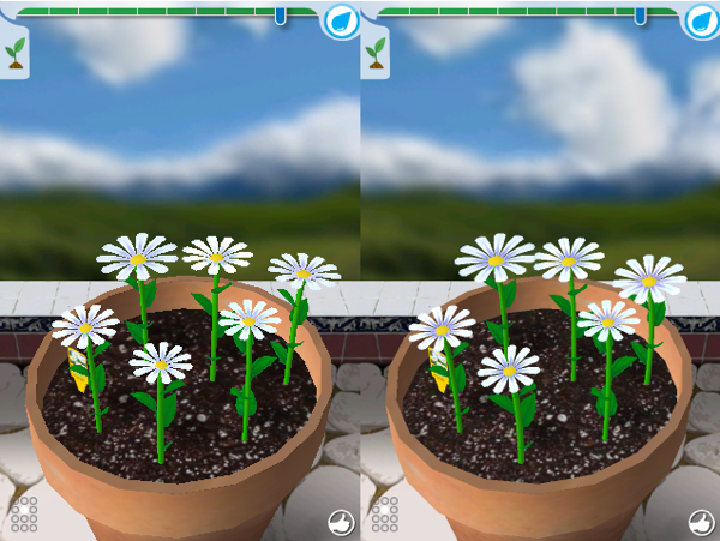
I only recently broke free of iOS3.x for Flower Garden, so I’m finally adding all the features I had been itching to add that required higher OS support. I had already added some iOS4+ features, but I was keeping them to a minimum because it’s always a huge cause of bugs to target multiple versions of the OS at once. One of the first features I looked into adding was multisample antialiasing (MSAA) support for OpenGL, which was originally introduced in iOS 4.0. The geometry generated for the petals in Flower Garden is fairly high contrast, and since it’s not like the textures were carefully created and laid out by an artist, the result is pretty bad aliasing around the edges. Perfect candidate for multisampling! ...

Customizable Color Sections With OpenGL ES 1.1

Customizable Color Sections With OpenGL ES 1.1

One of the items in my ever-growing list of things to write about, is the rendering techniques I used in Flower Garden. In the end, it would make for a post with lots of pretty pictures, but there’s nothing particularly ground-breaking. After all, it’s all limited to OpenGL ES 1.1 on the iPhone, which means only two texture units and a two-stage texture combiner. As a result, more interesting ideas keep bubbling up to the top of the list and the poor rendering idea keeps getting passed over. ...

OpenGL And UIKit Demo

OpenGL And UIKit Demo

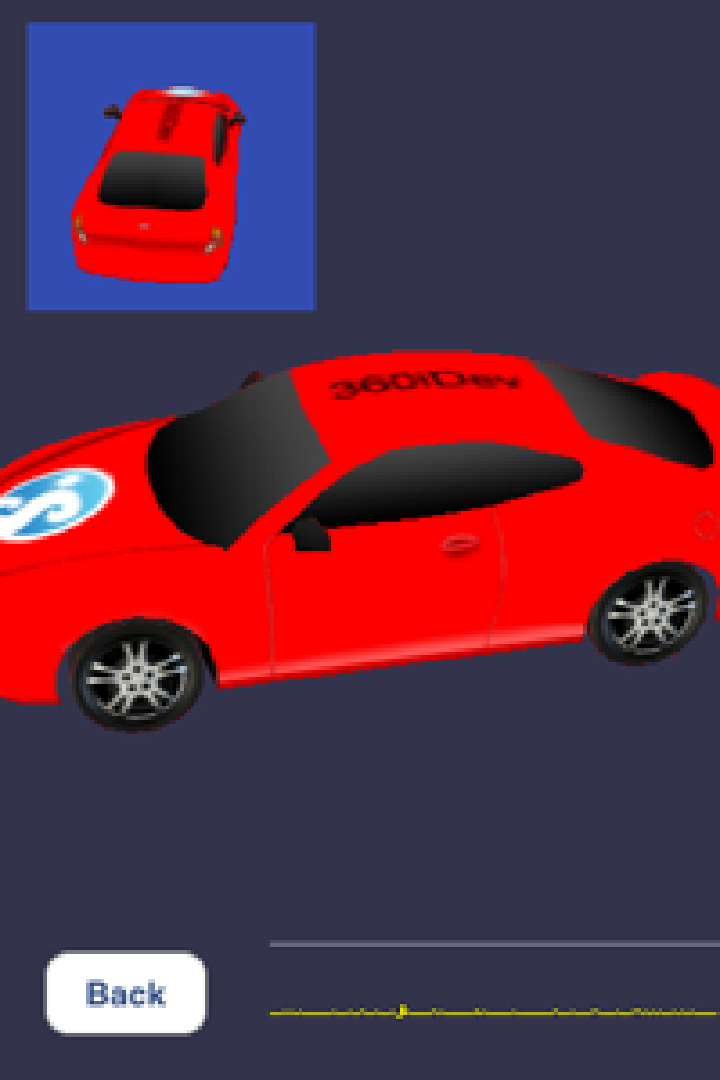
This coming Monday I’ll be giving a presentation at 360iDev titled “All You Wanted To Know About Mixing OpenGL with UIKit (And More)”. It’s an extended version of my talk at this year’s GDC iPhone Summit. It’s going to be 1h 20min long instead of just half an hour. The main difference is that I’m going to go in detail about each of the different cases of mixing OpenGL and UIKit, and what better way to do that than with a live demo. I’ll be switching back and forth between Keynote and XCode and going over the details, which is where a lot of the tricky parts are. ...

GDC 2010: The Best of Both Worlds: Using UIKit with OpenGL

GDC 2010: The Best of Both Worlds: Using UIKit with OpenGL

Here are the slides for my session at the GDC iPhone Summit, The Best of Both Worlds: Using UIKit With OpenGL. It was a 30-minute slot, so the material is pretty condensed without the chance to expand on the topics. I’m giving an extended version of this talk at 360iDev in a few weeks, so I’ll be able to get into more details then and have a cool sample app that shows off all those concepts. ...

Getting Started With Shaders On The iPhone 3GS

Getting Started With Shaders On The iPhone 3GS

I just wrote an article for Mobile Orchard on how to get started with OpenGL ES 2.0 on the iPhone 3GS. It goes over all the steps necessary to set up a barebones project that renders a quad on screen using a vertex and a fragment shader. It’s not the most stunning thing ever visually, but I think it makes for a good starting point for OpenGL ES 2.0 projects.

Environment Mapping Demo With OpenGL ES 1.1

Environment Mapping Demo With OpenGL ES 1.1

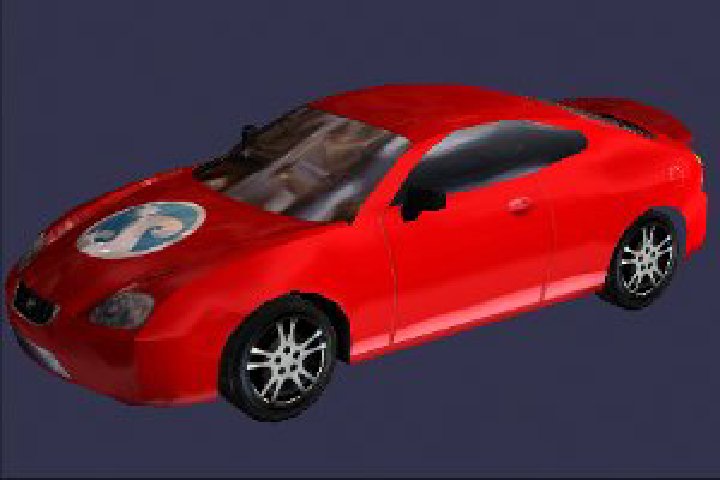
I just finished creating a graphics demo for a chapter I’m writing for the book iPhone Advanced Projects edited by Dave Mark. In the chapter I go over a few different lighting techniques and go in detail on how to do masked environment mapping on an iPhone 3G with OpenGL ES 1.1. The demo ended up looking pretty good, so I decided to upload a quick video showing the different lighting modes: ...

Teaching a Two-Day OpenGL iPhone Class. Register Now!

Teaching a Two-Day OpenGL iPhone Class. Register Now!

I’m excited to announce the intensive, two-day class on OpenGL for the iPhone that I’ll be teaching. The class will be held September 26th-27th, in Denver, right before the 360iDev conference, and it’s part of the Mobile Orchard Workshops. The class is aimed at iPhone developers without previous OpenGL experience. It’s going to be very hands-on, and you’ll create both 2D and 3D applications during the weekend. You’ll learn all the basics: cameras, transforms, and how to draw meshes, but we’ll also cover some more advanced topics such as lighting, multitexturing, point sprites, and even render targets. Most importantly, you’ll walk away with a solid understanding of the basis, which will allow you to continue learning OpenGL and advanced computer graphics on your own from the docs, samples, or even browsing the API directly. ...

A Huge Leap Forward: Graphics on The iPhone 3G S

I just wrote an article over at Mobile Orchard about the new graphics capabilities on the new iPhone 3G S. Check it out to find out the details, and what those new features might mean for us developers.

Remixing OpenGL and UIKit

Yesterday I wrote about OpenGL views, and how they can be integrated into a complex UI with multiple view controllers. There’s another interesting aspect of integrating OpenGL and UIKit, and that’s moving images back and forth between the two systems. In both cases, the key enabler is the CGContext class. From UIKit to OpenGL This is definitely the most common way of sharing image data. Loading an image from disk in almost any format is extremely easy with Cocoa Touch. In fact, it couldn’t get any easier: ...

Using Multiple OpenGL Views And UIKit

Using Multiple OpenGL Views And UIKit

The iPhone includes OpenGL ES for graphics rendering (thank you Apple for not coming up with a custom API!). Specifically, it uses OpenGL ES 1.1 plus a few extensions. It’s all very familiar and standard, except for the actual setup, which requires some integration with the iPhone UI. The now gone CrashLander sample, in spite of some atrocious code, was the best example on how to get a simple, OpenGL app on the iPhone. It covered the basics: creating an OpenGL frame buffer, loading some textures, drawing some polys, and presenting the result to the screen. It was very useful because it was a very small and concise and it made for a great starting point for any OpenGL-based app. ...